Dashboard Filters
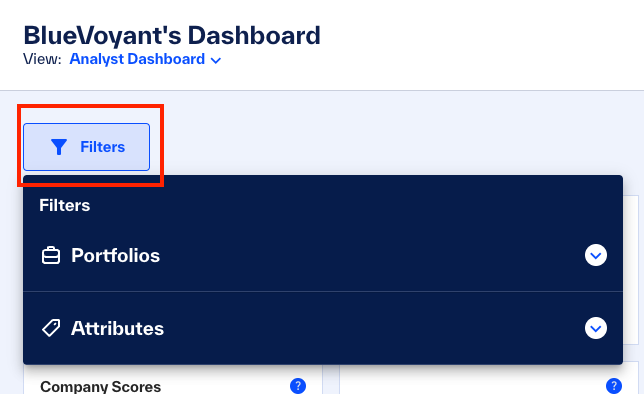
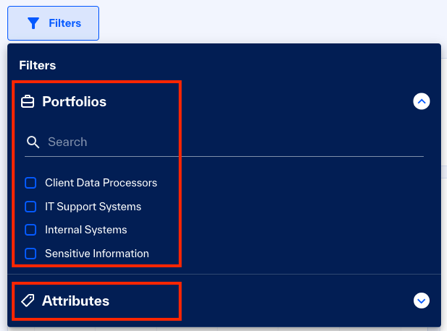
You can filter the selected dashboard to quickly get the information you require for a report. From the menu, select one or more portfolios and attributes. Each time you apply a filter, the widgets on the dashboard dynamically update for the selected portfolios and attributes.
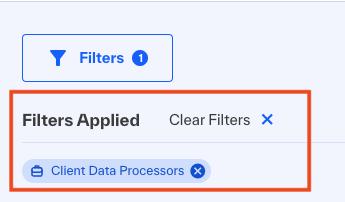 |
Filters that you apply show on the dashboard, to track what you see, remove one or more filters, or clear all filters quickly.