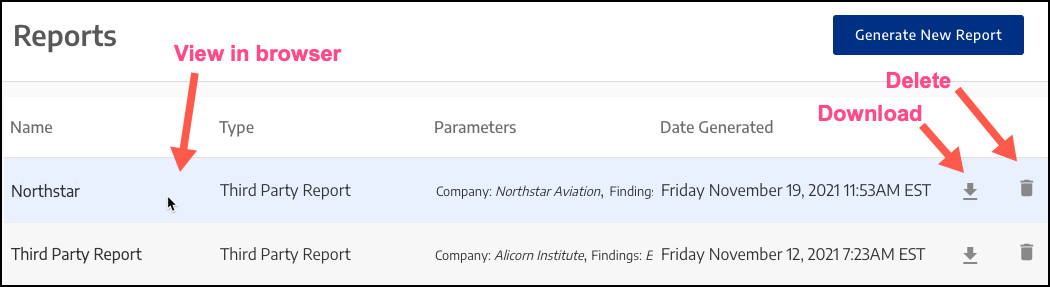
Viewing, Downloading, or Deleting a ReportTo view a report in the browser, click on the report name.To download a report, click the icon.To delete a report, click the icon.
 icon.
icon. icon.
icon.