Generating the Program Summary Report
To create a new Program Summary Report, do the following:
Click the Generate New Report button if it appears in the top right corner of the window, otherwise, proceed to step 2.
Click Start on the Program Summary Report tile. The Run New Program Summary Report dialog appears:
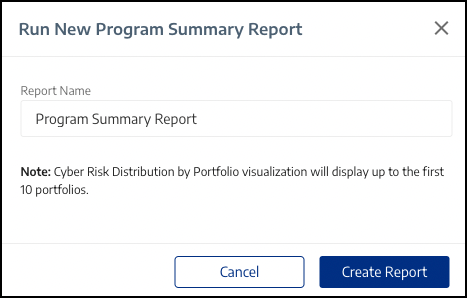 |
Enter a Report Name.
Click Create Report.
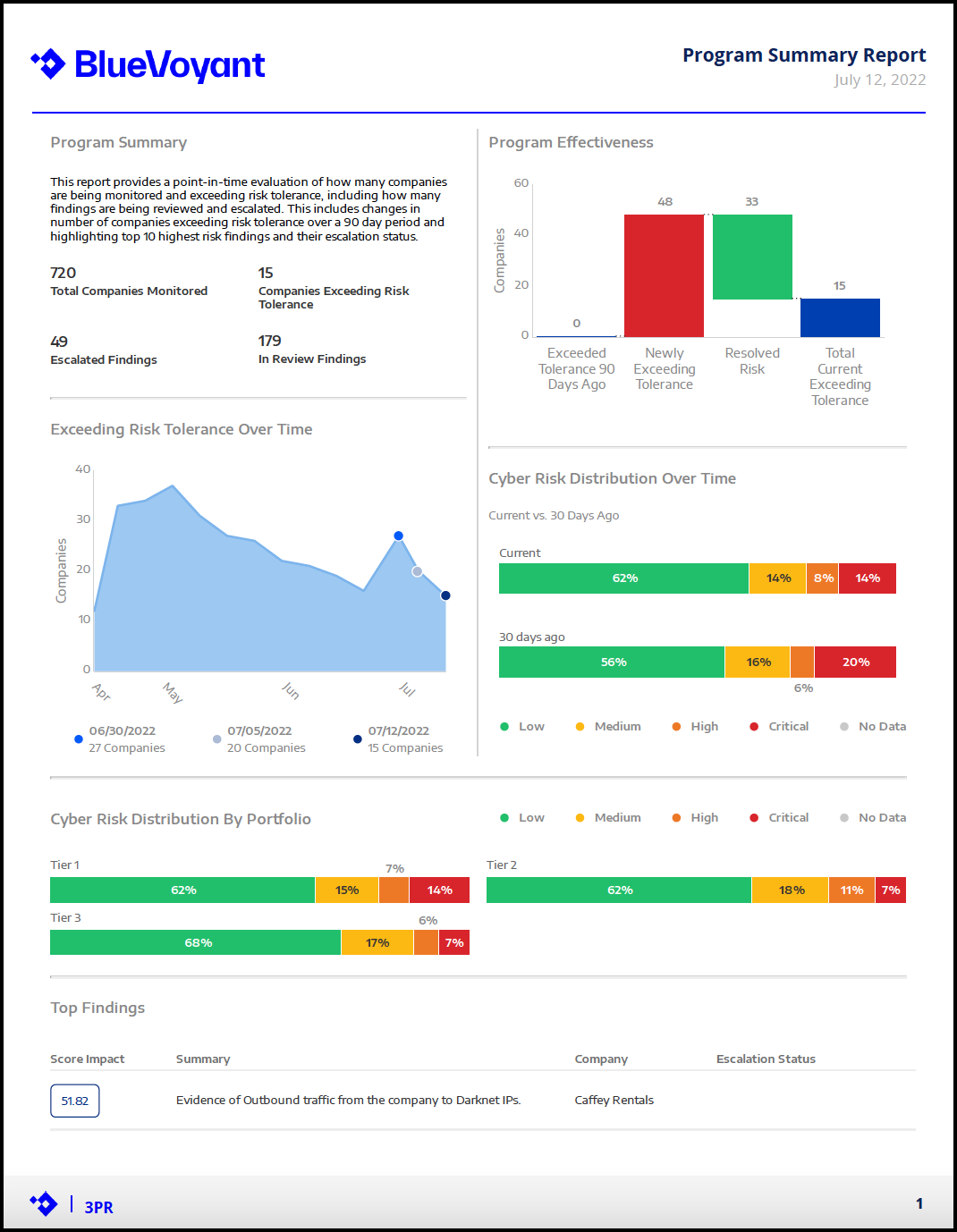
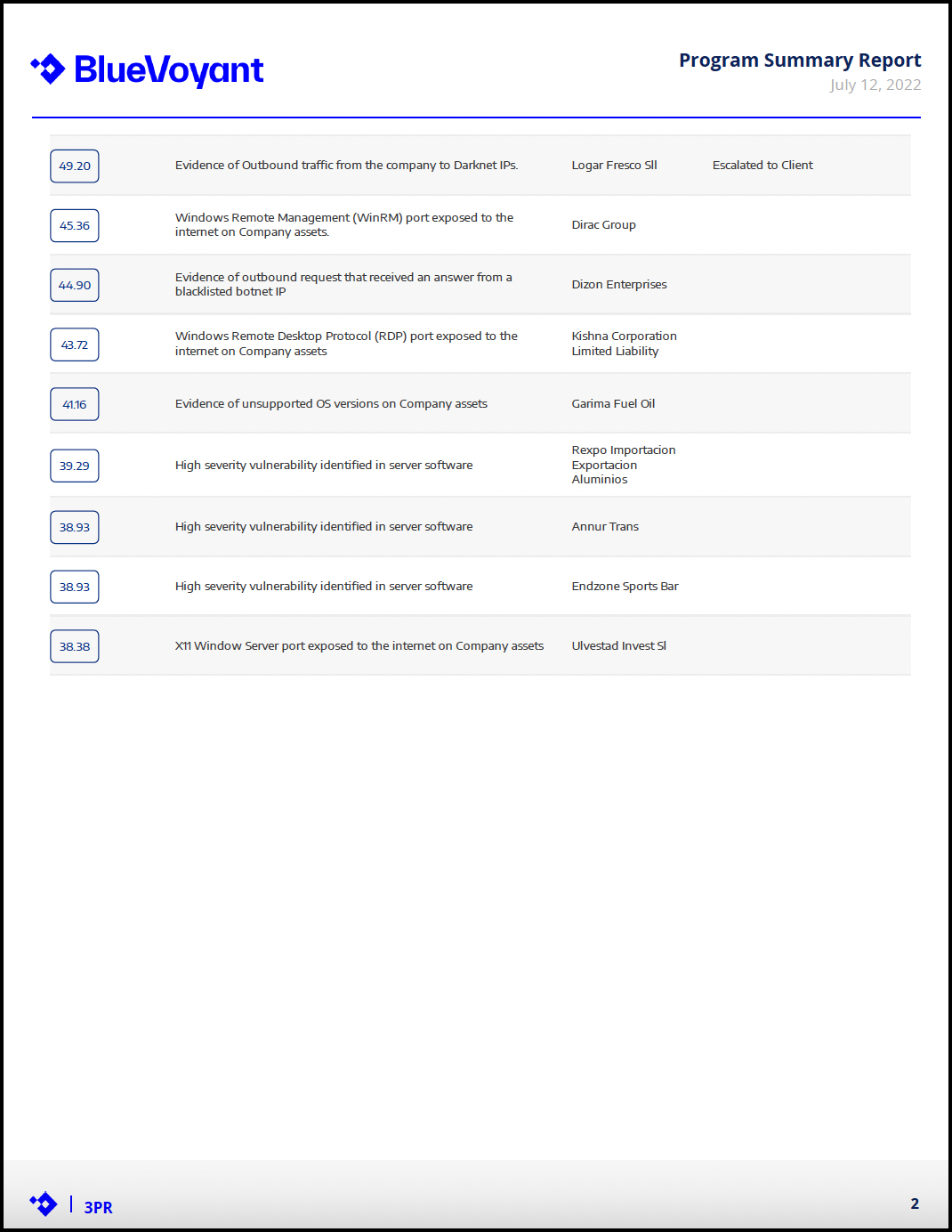
The Program Summary Report is generated. An example is shown below:
 |
 |