Sorting Tables
Most tables throughout the Portal allow you to sort on any column in ascending or descending order.
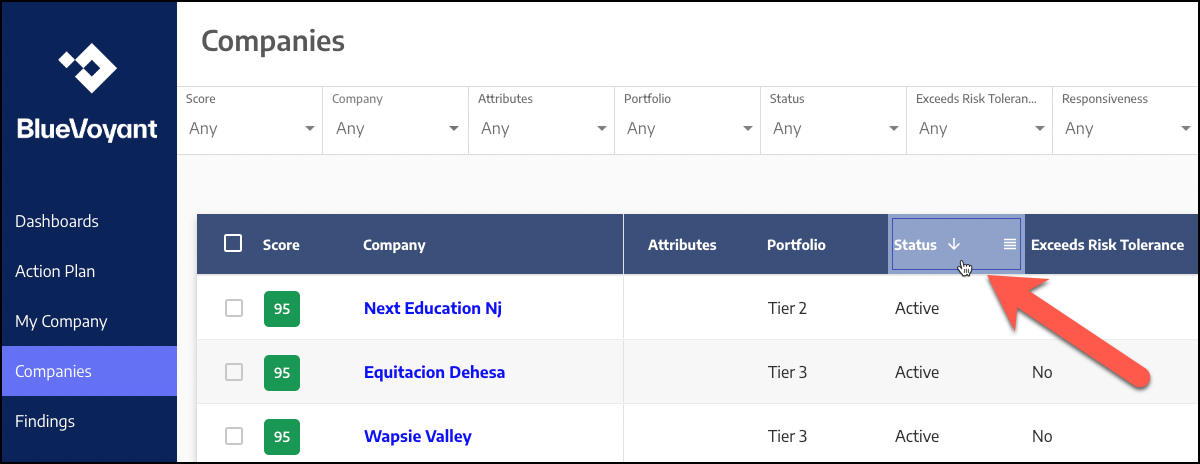
To sort on a column, simply click on the column header. An arrow appears next to the column name. To change the sort order of the column, click the column header again to toggle between ascending and descending order. The arrow changes direction. A down arrow indicates ascending order (lowest to highest). An up arrow indicates descending order (highest to lowest):
 |