Filtering the CVE Detail Page
You can filter the data on the CVE Catalog page using the filter fields at the top of the page:
 |
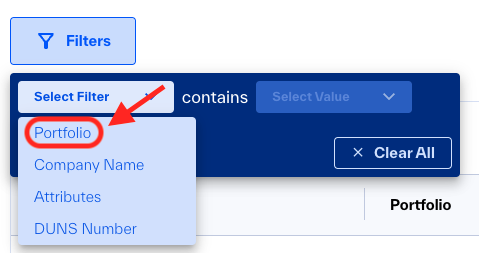
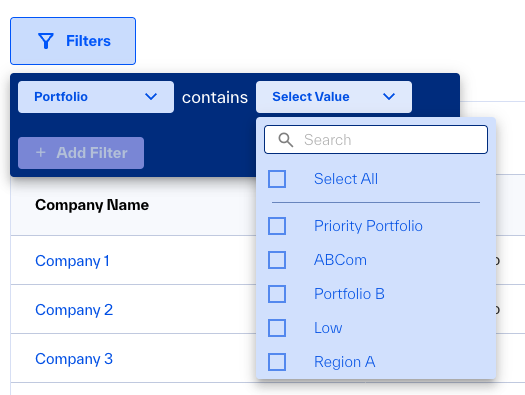
To filter by Portfolio, click the Portfolio dropdown and select one or more values:
To filter by Company Name, click the Company Name dropdown and begin typing. The list of matching Companies updates as you type. Select the desired Company:
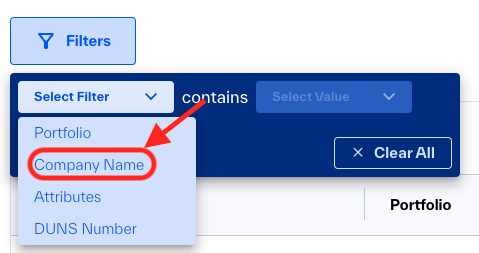
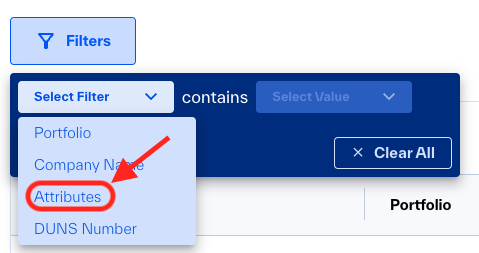
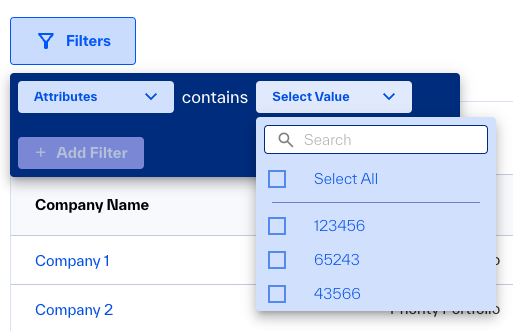
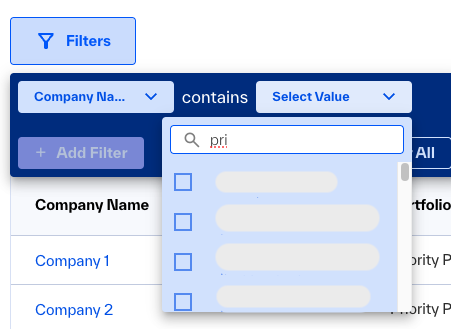 To filter by Attributes, click the Attributes dropdown. You can either select attributes from a list or begin typing, the list of matching Attributes updates as you type.
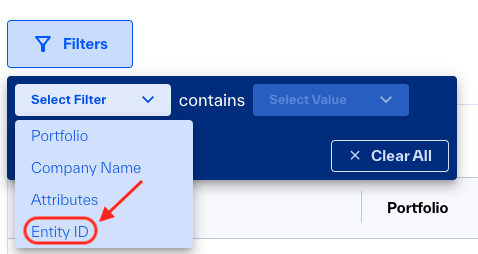
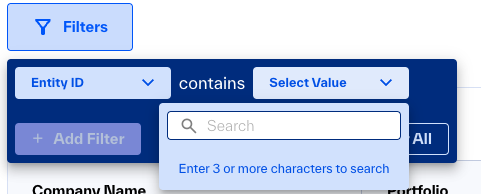
To filter by Entity ID, click the Entity ID dropdown and begin typing. Enter at least 3 characters of the desired entity ID, the list of all matching entities is displayed. Select one or more desired entities: