Exporting Data
Several locations within the Portal contain the  button, which allows you to export data to a CSV file.
To export data to a CSV file, do the following:
Click the Export Data button.The Export Data (CSV) dialog appears.
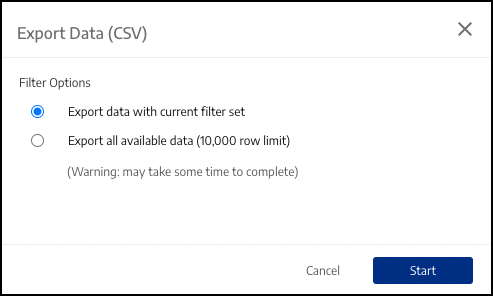 |
Select one of the following:
Export data with current filter set: Export includes only the data that applies to the currently-applied filters.
Export all available data (10,000 row limit): Exports all data, regardless of whether any filters are currently applied.
Click Start.