Findings
To see the findings of your company and of all monitored third-party companies, click .
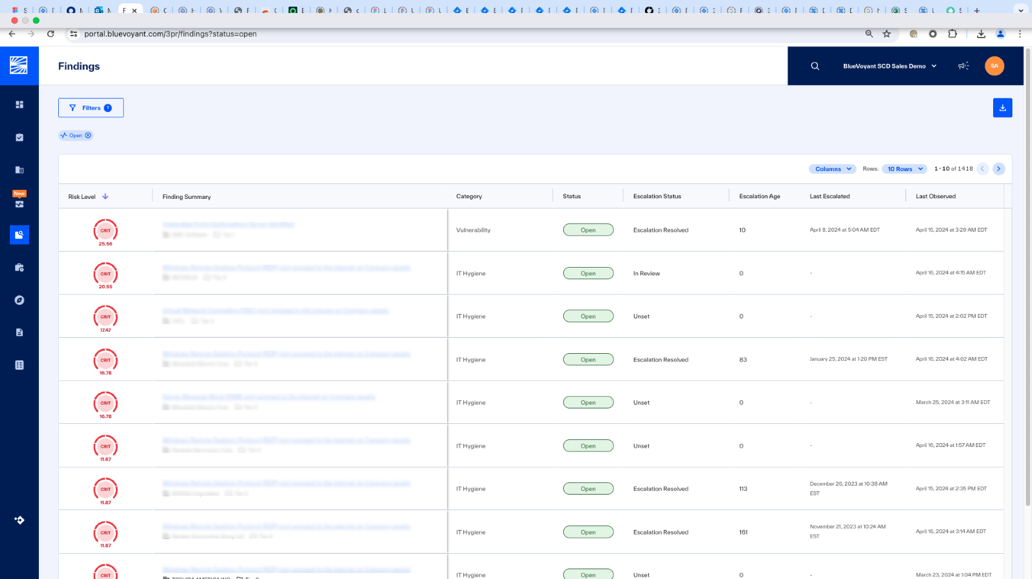 |
To see details and remediation recommendations, click a row. The Finding Details opens for the selected finding.
To manage the columns of information that you see in Findings:
Click .
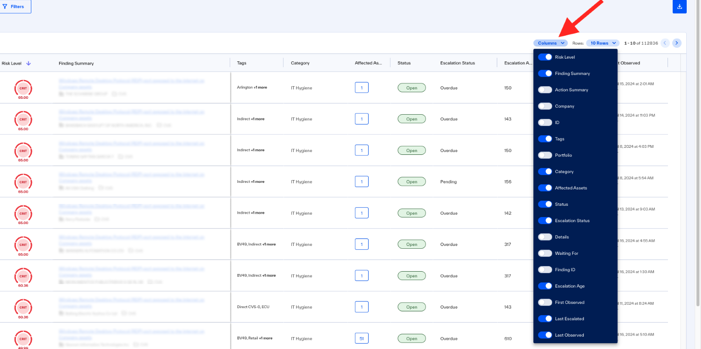
Select or deselect columns.