Support
If the SSO test fails:
Click .
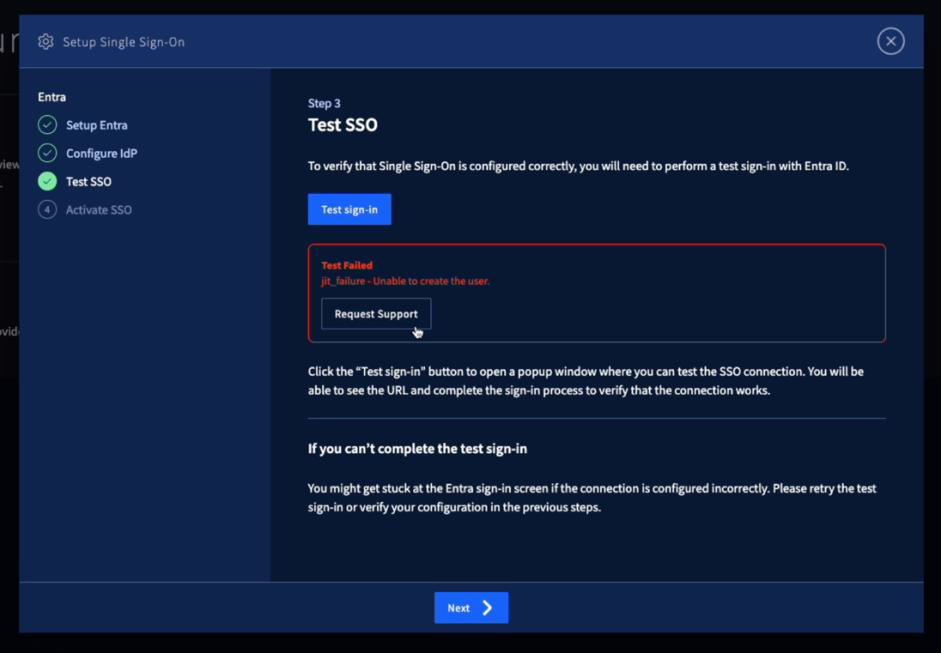
A support request opens with data to prepare to send. You can add more information. Make sure this information in the support request is correct:
Protocol: OIDC
SSO Status
IDP Rule status
Default setting status
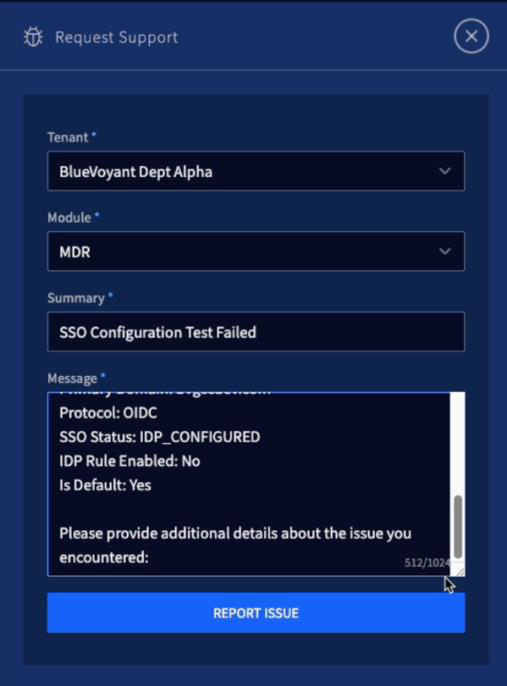
Click .
Track the process of your support case in CDP > Support Cases.
To get more help:
Tell your BlueVoyant project manager or client success manager (CSM).
Open a support case through CDP Support Cases.