Showing and Hiding Columns
To show or hide columns in a table, do the following:
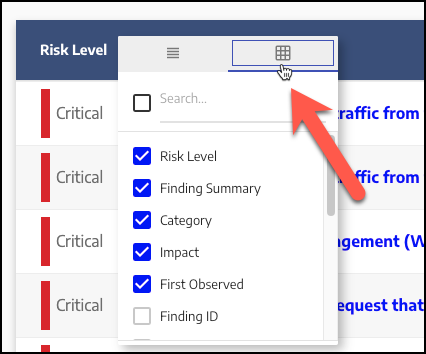
Click the four bars icon on the right of the column header, then click the right tab on the context menu (denoted by the table icon). Columns that are currently displayed are checked, and columns that are currently hidden are unchecked:
 |
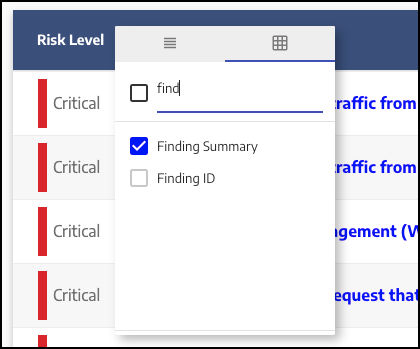
Select or deselect the checkbox next to the desired column to show or hide the column. Note that you can enter text in the search field to filter the list of columns:
 |
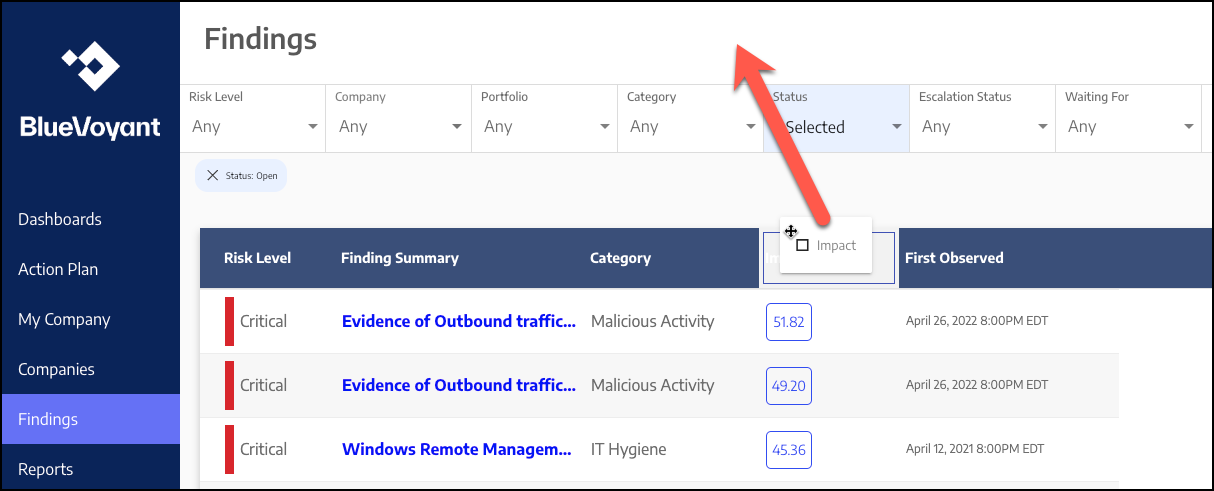
To quickly hide a single column, simply drag the column header off the table:
 |