Footprint Map
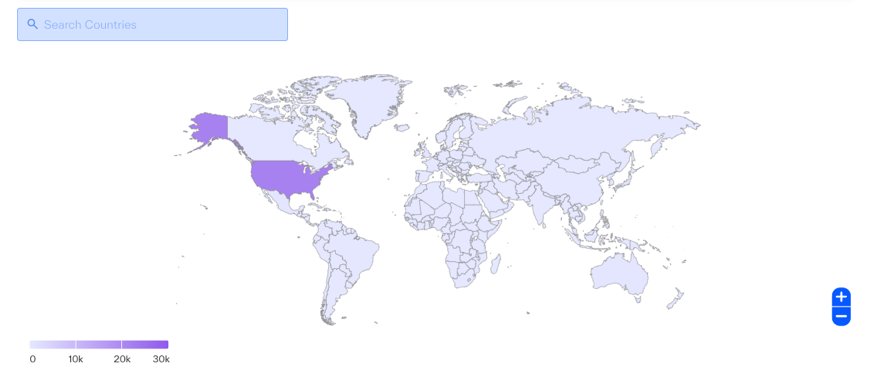
The Footprint Map provides a dynamic, global view of footprint elements including Registered IP addresses and Domain resolutions as well as the relative density of hosting distribution of hostnames (assets) observed for the company whose profile you are viewing.
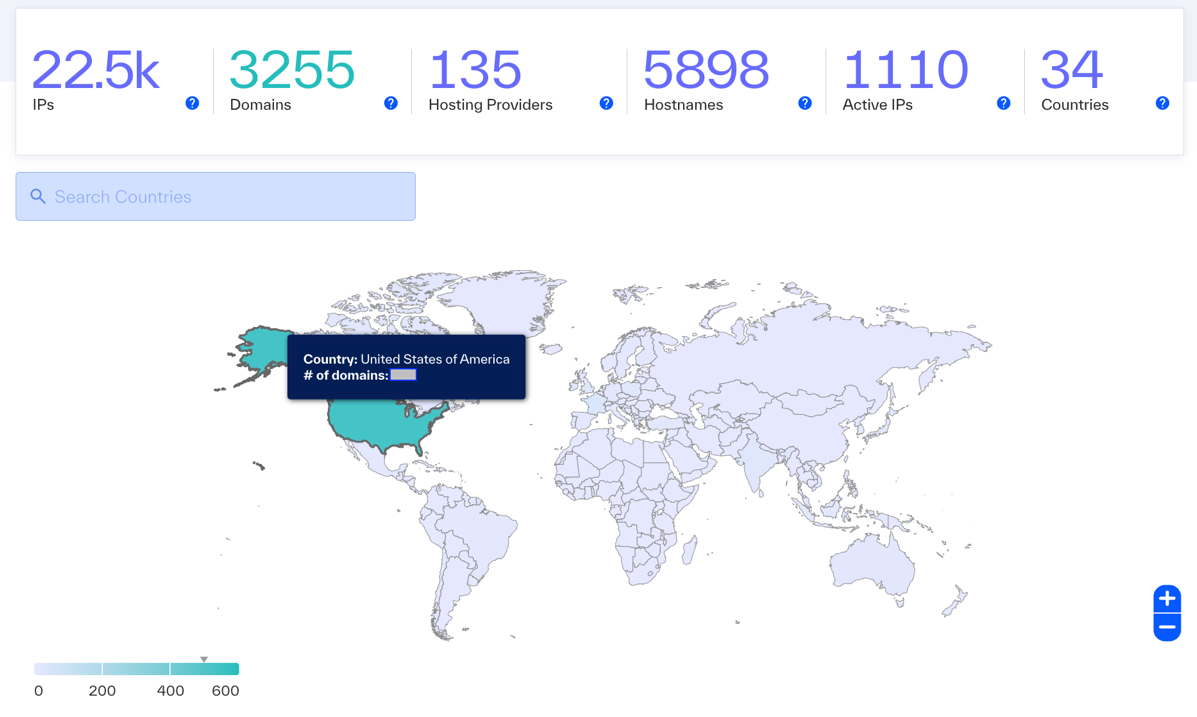
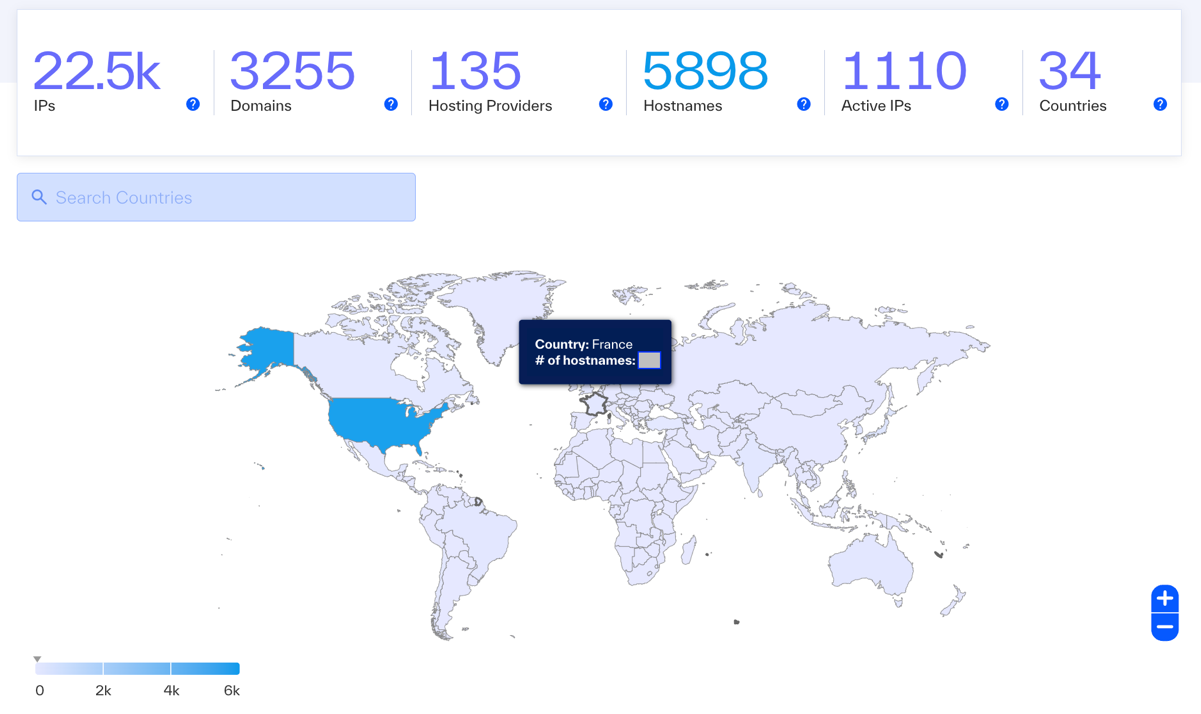
The map is shaded to illustrate the relative distribution of assets in each country – the darker the color, the greater the number of hosted assets.
 |
Searching and Filtering by Country
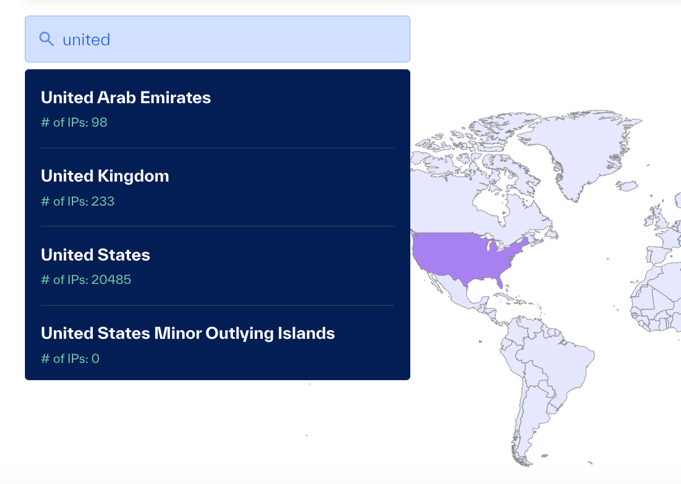
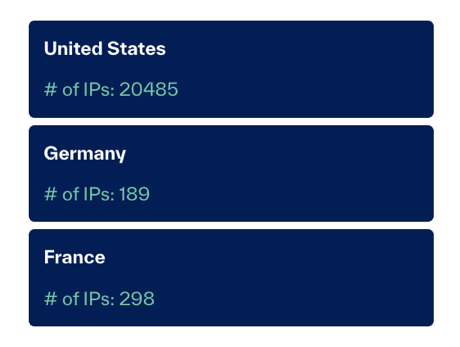
The Search Bar can be used to search and scroll through a full list of all countries available to filter on the footprint map. Selecting 1 or more countries will provide individual cards highlighting the observed footprinting information for that country. You can also click the desired countries via the map.
Viewing IP Addresses
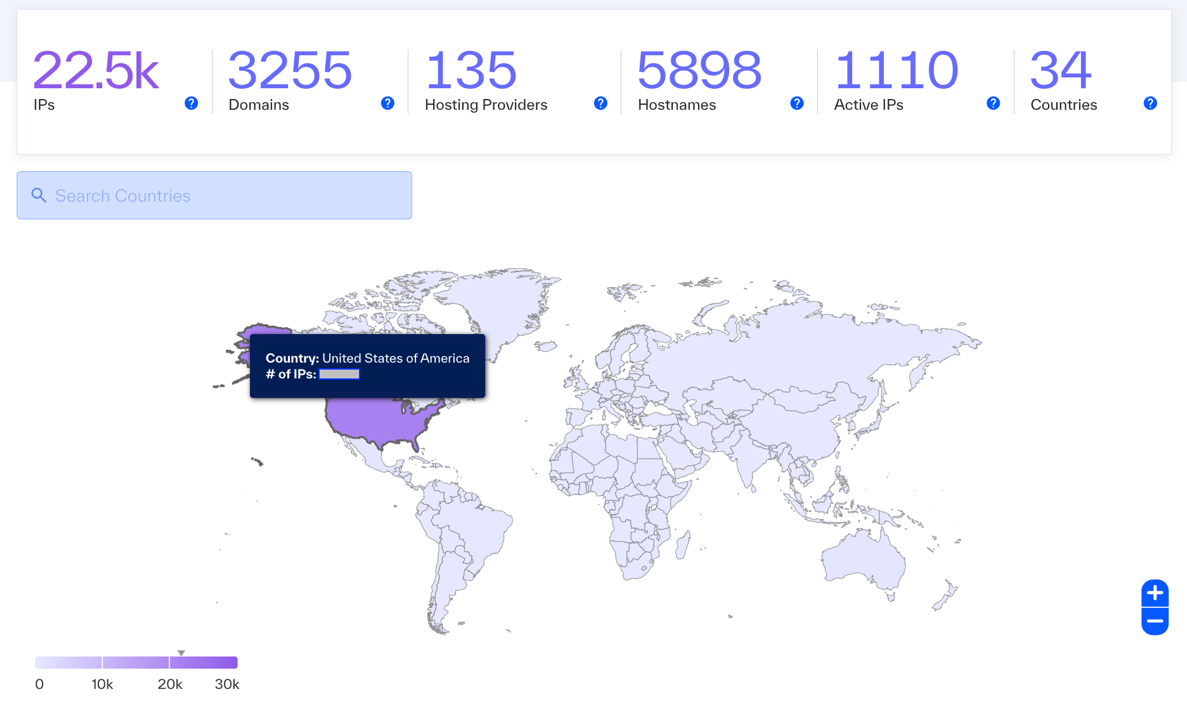
To view the IP address(es) associated with company assets in a given location, hover over the map. Ensure you’ve selected the ‘IPs’ metric from the summary bar.
 |
Viewing Domain Counts
To view the number of domains observed resolving in a given country, hover over the country. Ensure you’ve selected the ‘Domains metric from the summary bar.
 |
Viewing Hostname Counts
To view the number of hostnames observed resolving in a given country, hover over the country. Ensure you’ve selected the ‘Hostnames’ metric from the summary bar.
 |