Filtering the CVE Catalog
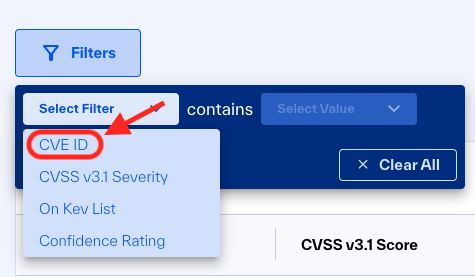
You can filter the data on the CVE Catalog page using the filter fields at the top of the page:
 |
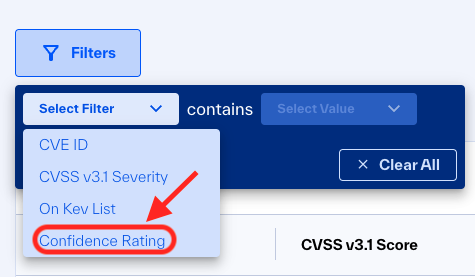
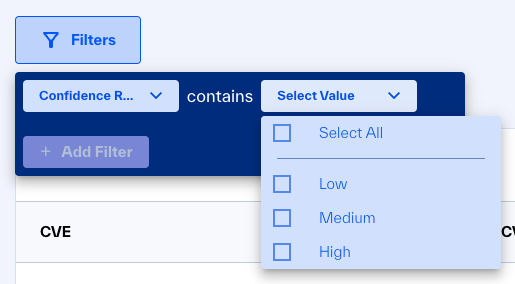
To filter by Confidence Rating, click the Confidence Rating dropdown and select one or more values:
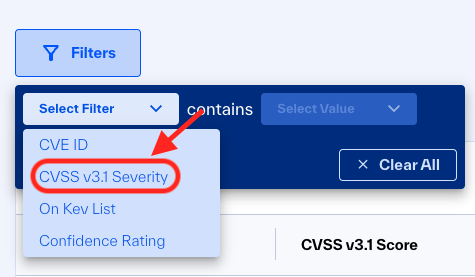
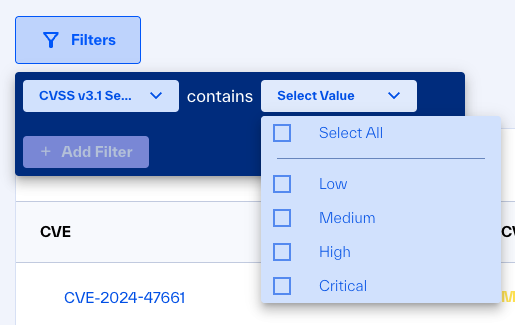
 To filter by CVSS v3.1 Severity level, click the CVSS v3.1 severity dropdown and select one or more values:
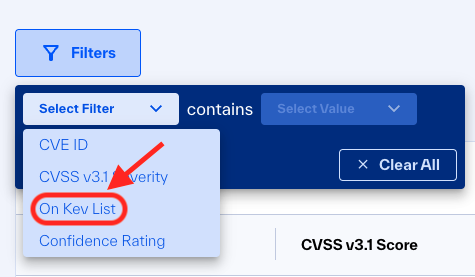
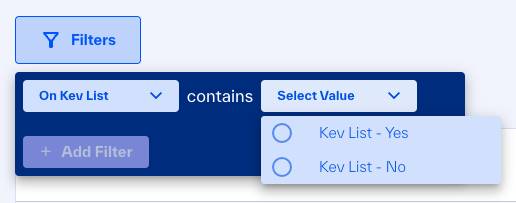
 To filter the CVE list to identify if a CVE has been added to the KEV catalog, click on the “On Kev List” dropdown, and select one value:
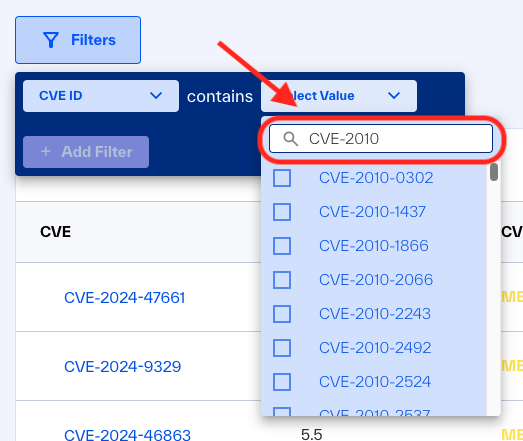
To filter by CVE ID, click on CVE ID dropdown and start typing the CVE that you need to filter by, a list of matching CVE results will be displayed. Please select one or more desired CVEs