Generating the Third Party Report
To create a new Third Party Report, do the following:
Click the Generate New Report button if it appears in the top right corner of the window, otherwise, proceed to step 2.
Click Start on the Third Party Report tile.
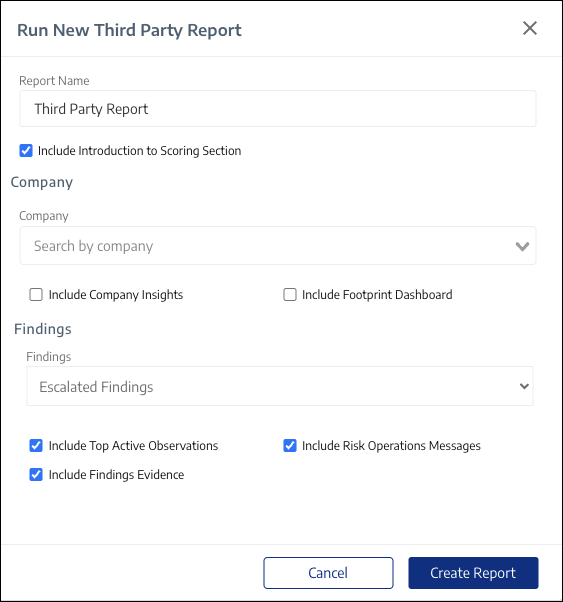 |
Complete all fields as desired.
Click Create Report.
The Third Party Report is generated. An example is shown below:
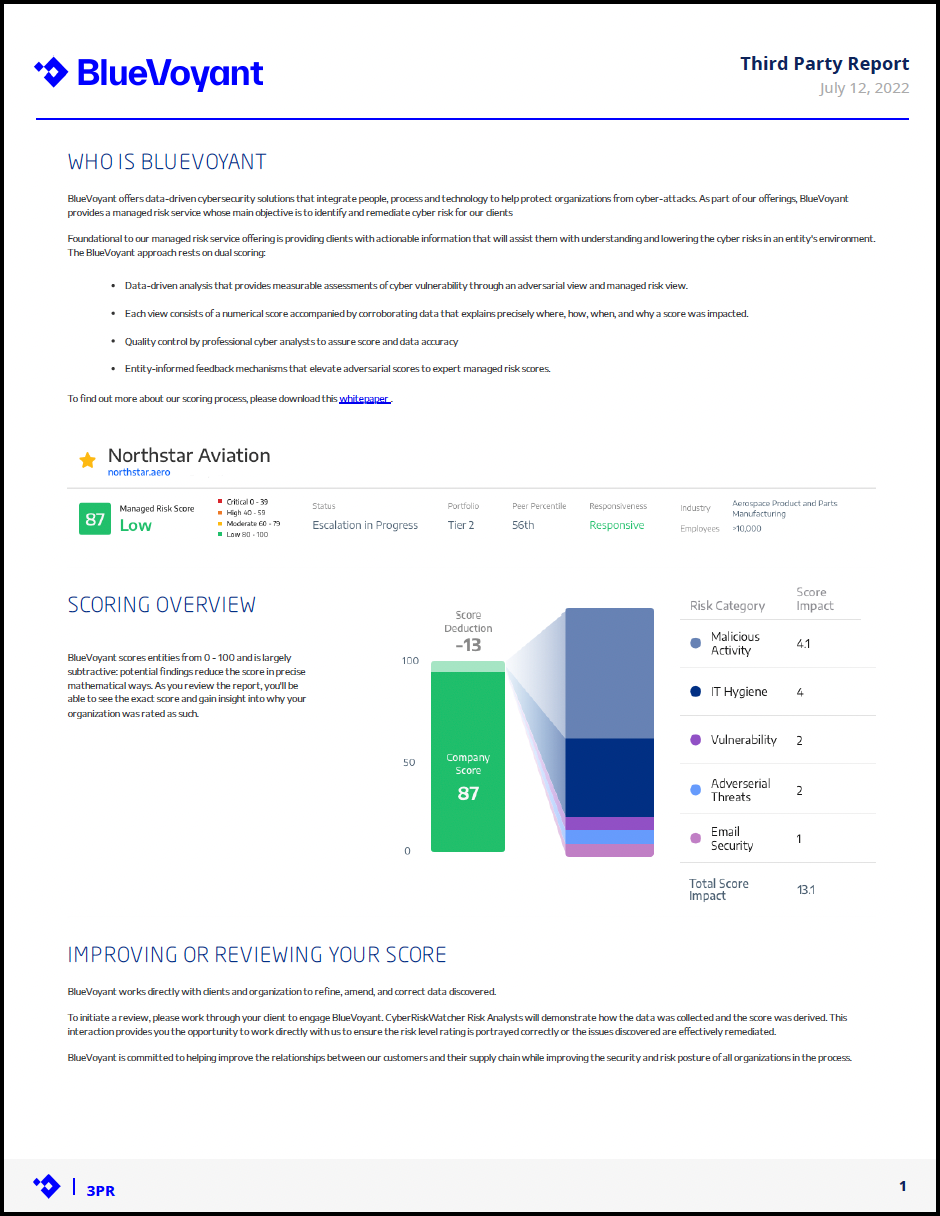 |
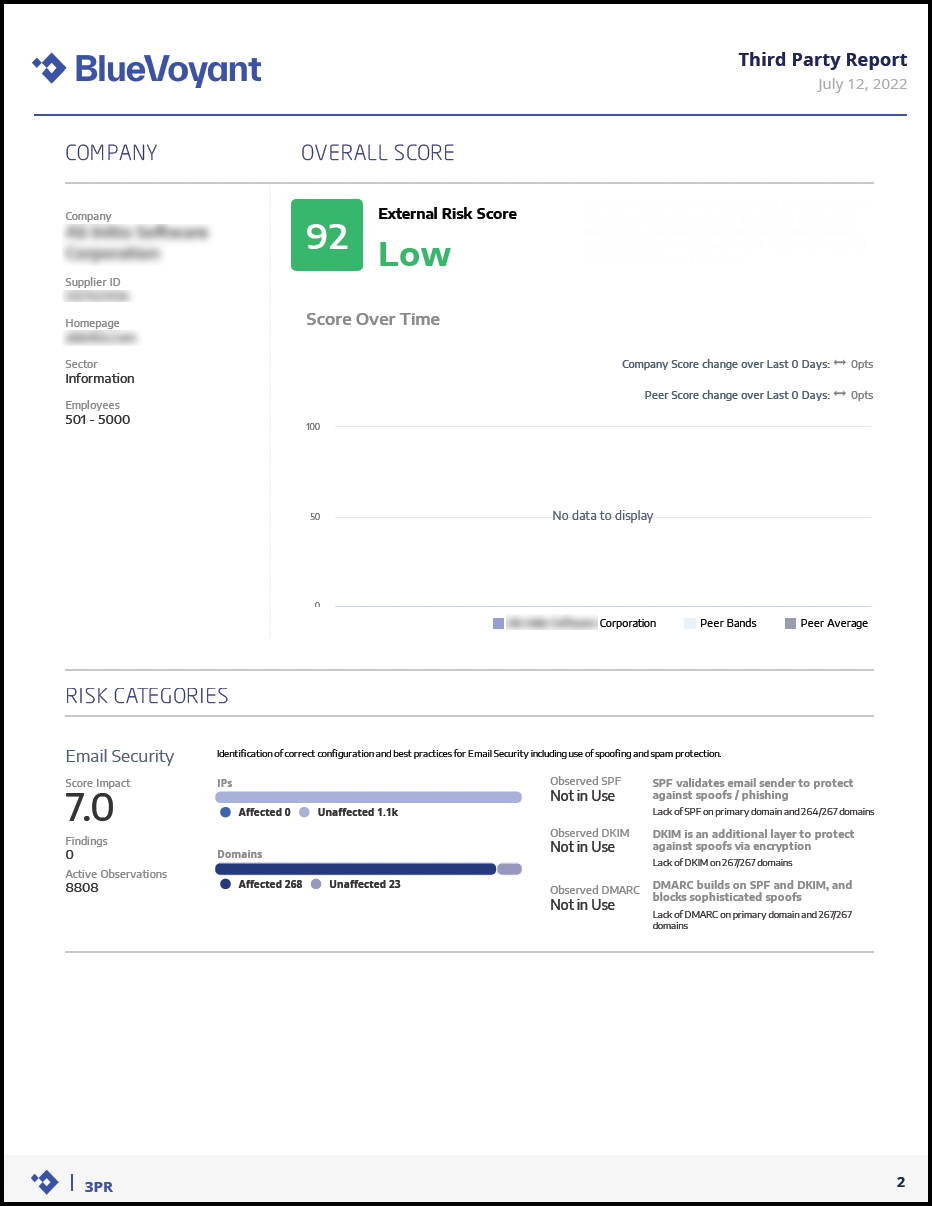
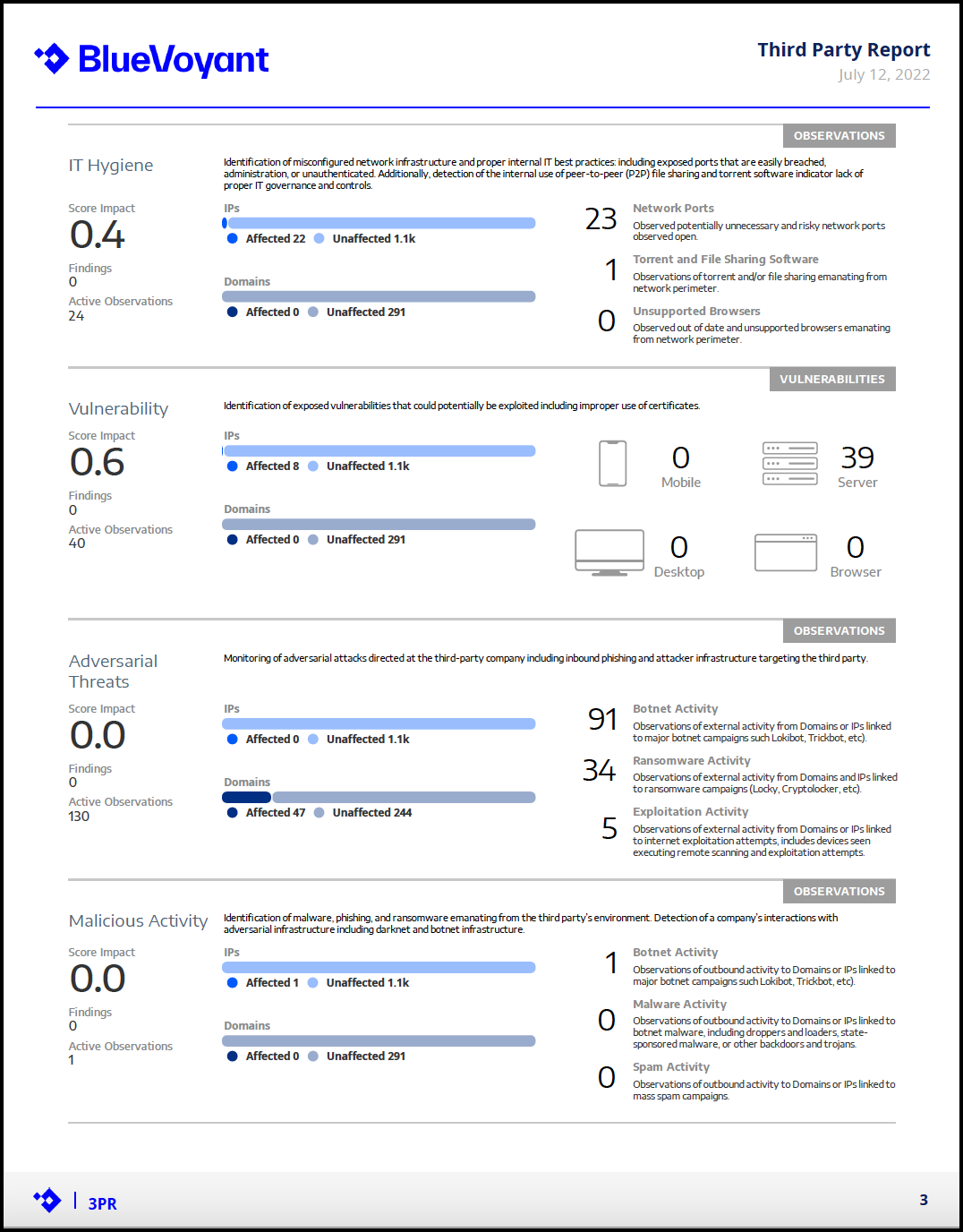 |