Global Search
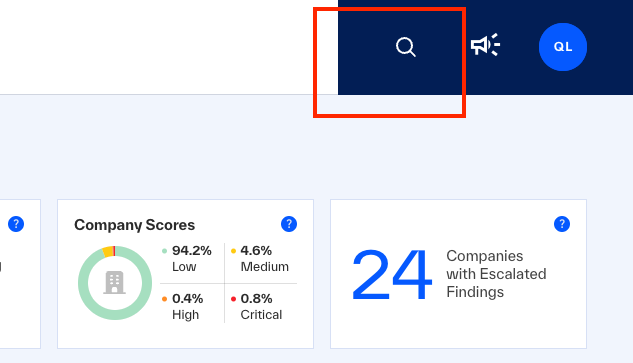 |
To run a global search for Client Portal Pages, Companies, Risk Categories, Portfolios, Findings (by name), and Emerging Vulnerabilities (by name), click (magnifying glass).
When the Search field opens, start to enter the name of what you want to see. The Client Portal shows results that match after two or more characters.
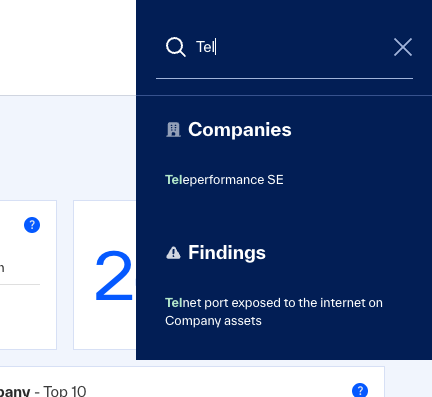 |
Page results open the specified page.
Company names open the company page.
Risk Categories open Findings, filtered by the selected risk category.
Portfolios open Companies, filtered by the Portfolio.
Findings open Findings, filtered by the Finding Summary and the status Open.
Emerging Vulnerabilities results open the specified emerging vulnerability page.
Business Risk results open the Business Risk page, or they show a link that opens the Business Risk explanation and resources at bluevoyant.com.