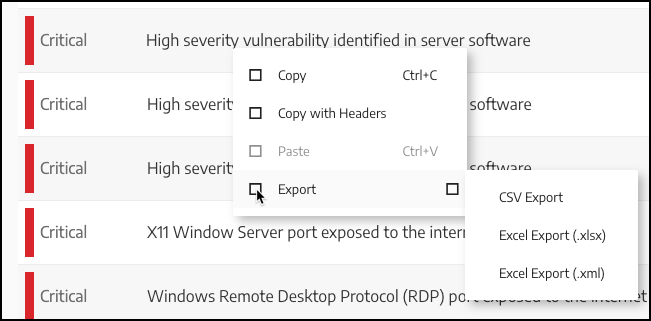
Right-Click ExportAnother way to export data is to right-click on any table that supports exporting. This displays the following context menu:Click Export, then select the desired file format (CSV, .xslx, or .xml).